Layered timeline
Arrange video, audio, text, and images across independent layers, then move through the project visually.
Easy video editing.
A focused desktop editor for fast, straightforward video work. Import media, build layered timelines, split clips, add text and images, preview the result, then export.
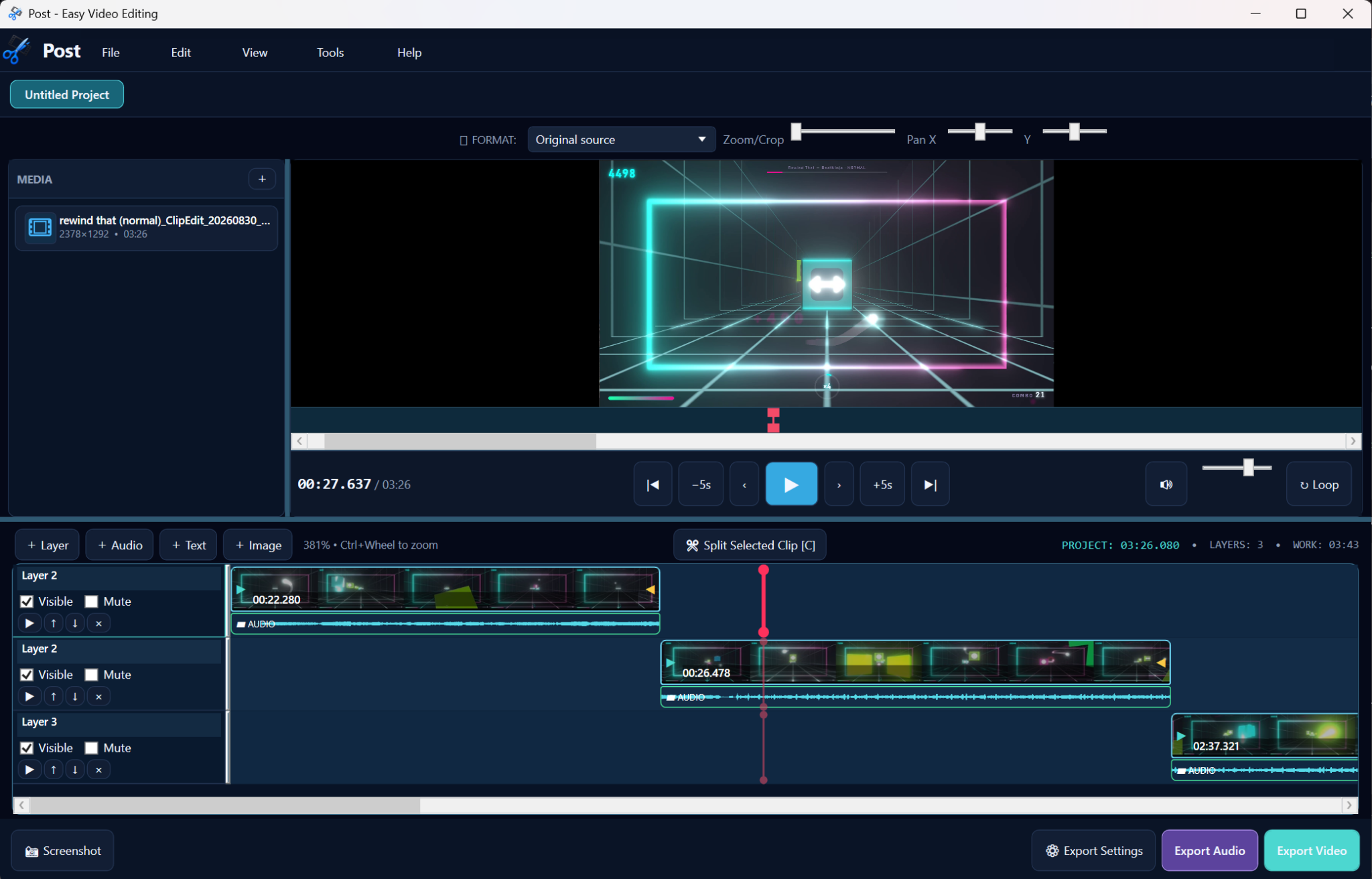
No giant production ritual. Post keeps the core workflow visible and direct, with media on the left, preview in the middle, layers on the timeline, and export controls where you expect them.
Arrange video, audio, text, and images across independent layers, then move through the project visually.
Move the playhead, select the clip, split it, trim it, and keep going without digging through three panels of controls.
Zoom, crop, pan, seek, loop, and preview the project from the same workspace you are already editing in.
Export video or audio when the edit is finished, without turning the last step into its own side quest.
Post keeps media, transport controls, the preview, the timeline, and export actions in one continuous editing view. Start empty, add a file, then build the project directly on the timeline.
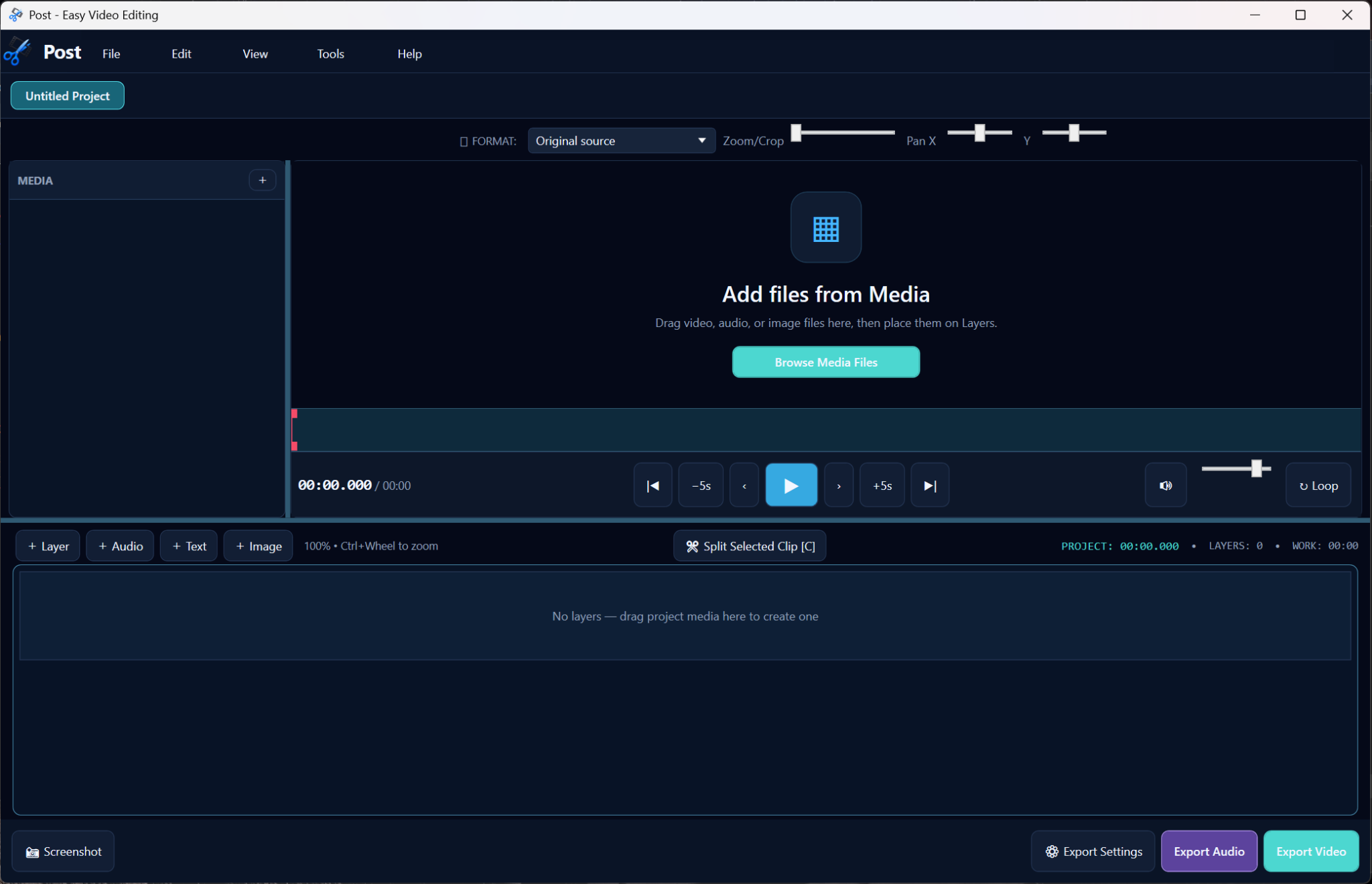
The tool should help make the edit, not make you study the tool.
Your files stay part of your workflow, rather than becoming someone else's cloud dependency.
Most edits are not feature films. The straightforward jobs should stay straightforward.
Grab the latest release and get back to the part where the video is actually finished.